-
Brand Brand Display
Figma
Code -
Image Image Display
Figma
Code -
Typography Typography Basics
Figma
Code -
Bottom-Sheet Bottom-Sheet Navigation Container
Figma
Code -
Button Button Action
Figma
Code -
Checkbox Checkbox Form
Figma
Code -
Chip Chip Form
Figma
Code -
Container Container Container
Figma
Code -
Context-Menu Context-Menu Navigation
Figma
Code -
Dropdown Dropdown Navigation Form
Figma
Code -
Header Header Navigation
Figma
Code -
Header-Box Header-Box Navigation
Figma
Code -
List-Item List-Item Action
Figma
Code -
List-View List-View Container
Figma
Code -
Loading-Indicator Loading-Indicator Indicator
Figma
Code -
Message Message Indicator
Figma
Code -
Notification-Box Notification-Box Indicator
Figma
Code -
Paginator Paginator Indicator
Figma
Code -
Picker Picker Form
Figma
Code -
Promotion-Box Promotion-Box Container
Figma
Code -
Radio-Button Radio-Button Form
Figma
Code -
Segmented-Button Segmented-Button Navigation
Figma
Code -
Slider Slider Form
Figma
Code -
Status Status Indicator
Figma
Code -
Stepper Stepper Navigation
Figma
Code -
Switch Switch Form
Figma
Code -
Tabbar Tabbar Navigation
Figma
Code -
Text-Input Text-Input Form
Figma
Code -
Textarea Textarea Form
Figma
Code -
Toast Toast Indicator
Figma
Code -
Up-Dn-Counter Up-Dn-Counter Form Indicator
Figma
Code


Try using different or fewer search terms.
What does the component do?
- It is used for the selection of exactly one option from several.
When should the component be used?
- When there are two or more options and the options mutually exclude one another.
Rules
- There must be a choice of at least two options.
- A pre-selection is mandatory.
- Radio buttons can be arranged vertically or horizontally. The vertical layout is preferred as it allows the user to understand the options more quickly.
- Horizontal layout only for two to three options and short names.
- The text can be multi-line.
- As well as the actual radio button, the entire text also serves as a click target.
States
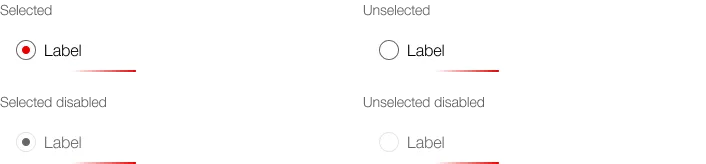
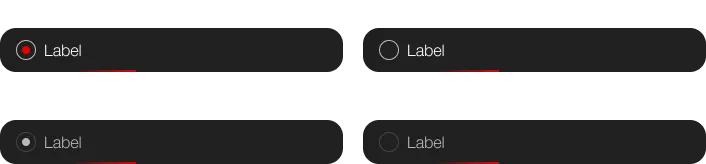
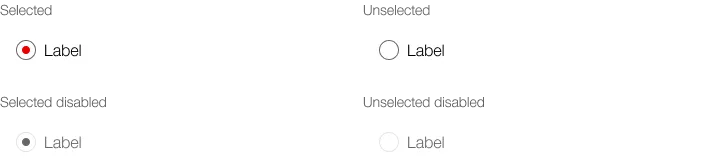
The component has the following states:
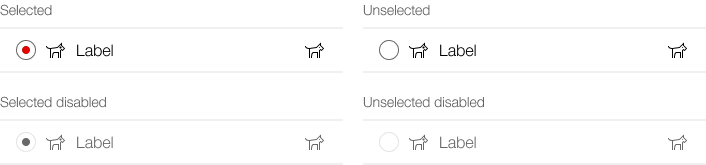
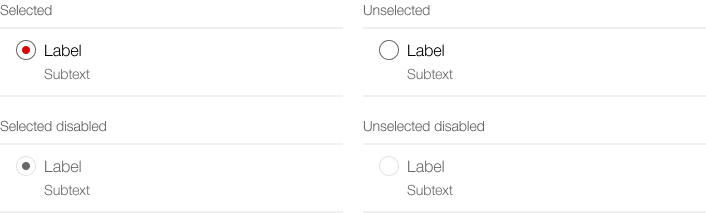
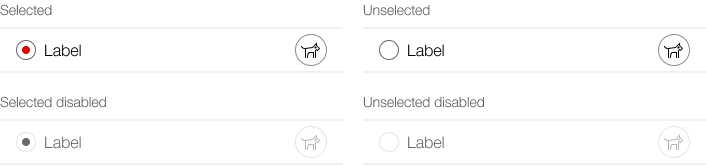
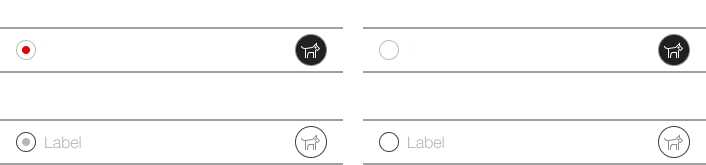
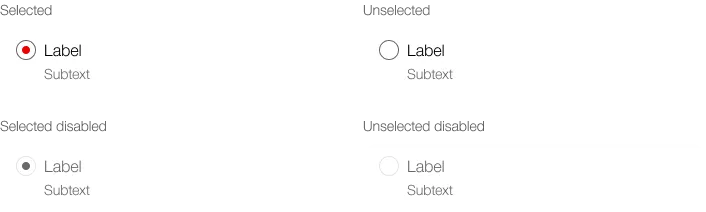
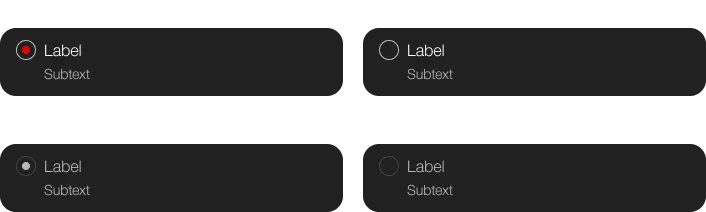
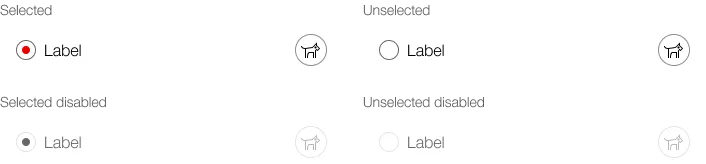
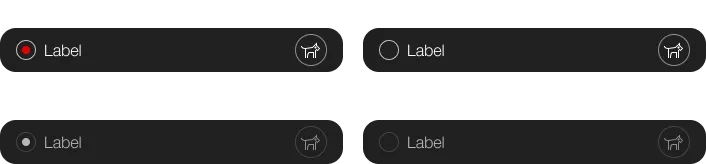
- Checked
- Unchecked
- Disabled checked
- Disabled unchecked
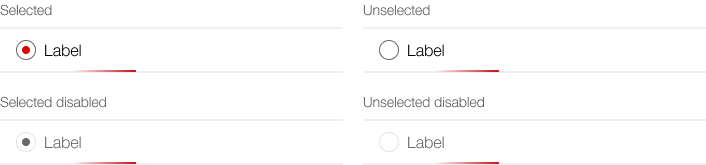
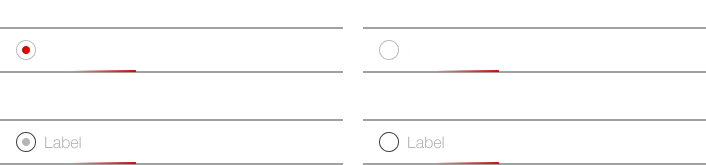
- Loading
Variants
The component has the following variants:
- Radiobutton
- with icon / without icon
- Radiobutton-Item
- listed / boxed
- without icon / with icon
- without subtext / with subtext
- without button / with button
Radiobutton
without icon


with icon


Radiobutton-Item
List
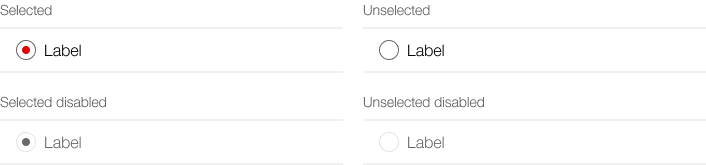
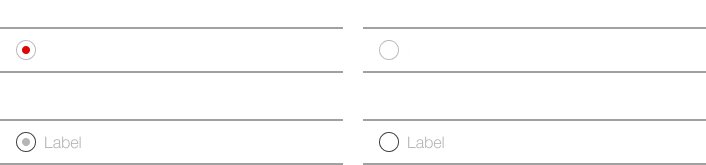
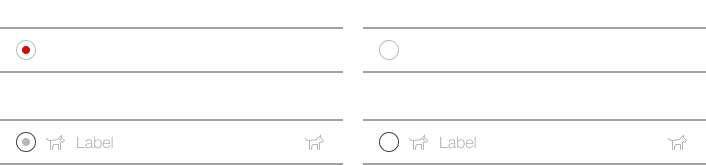
List, with icons (left and right)
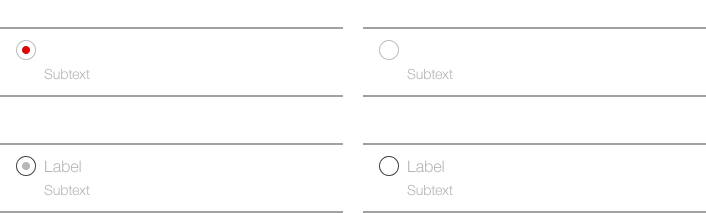
List, with subtext
List, with button
List, loading
Boxed
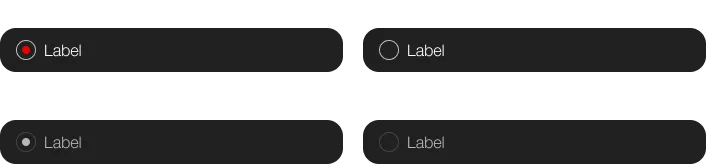
Boxed, with icons (left and right)
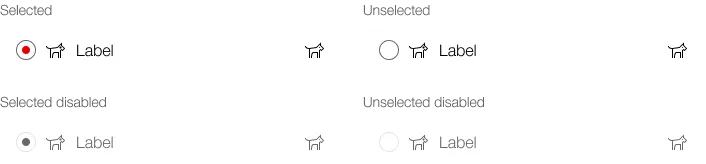
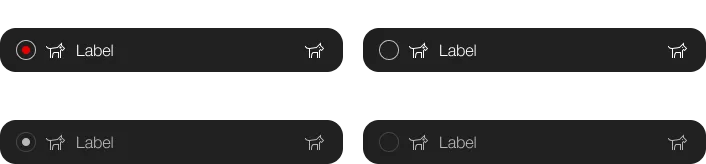
Boxed, with subtext
Boxed, with button
Boxed, loading