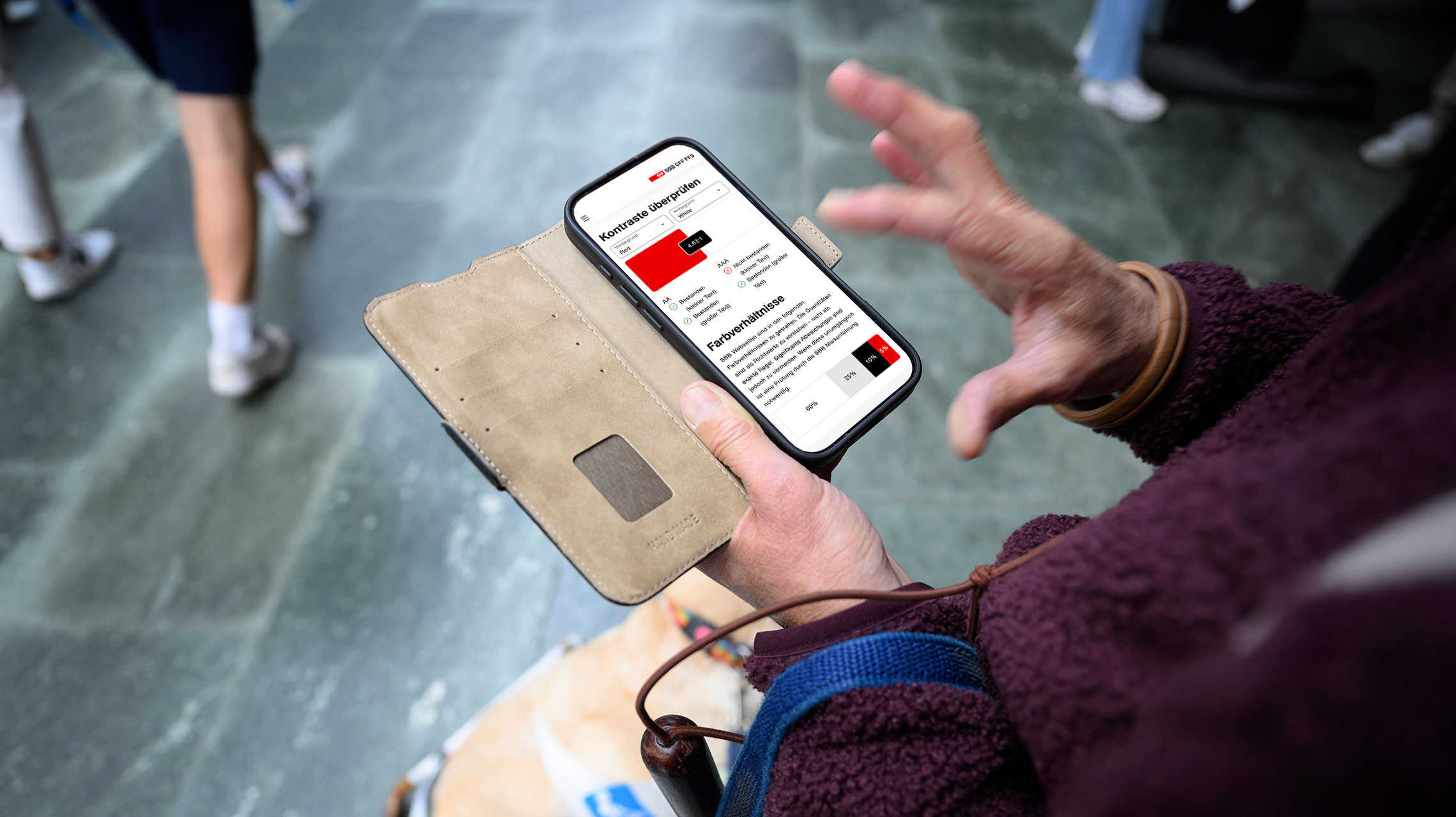
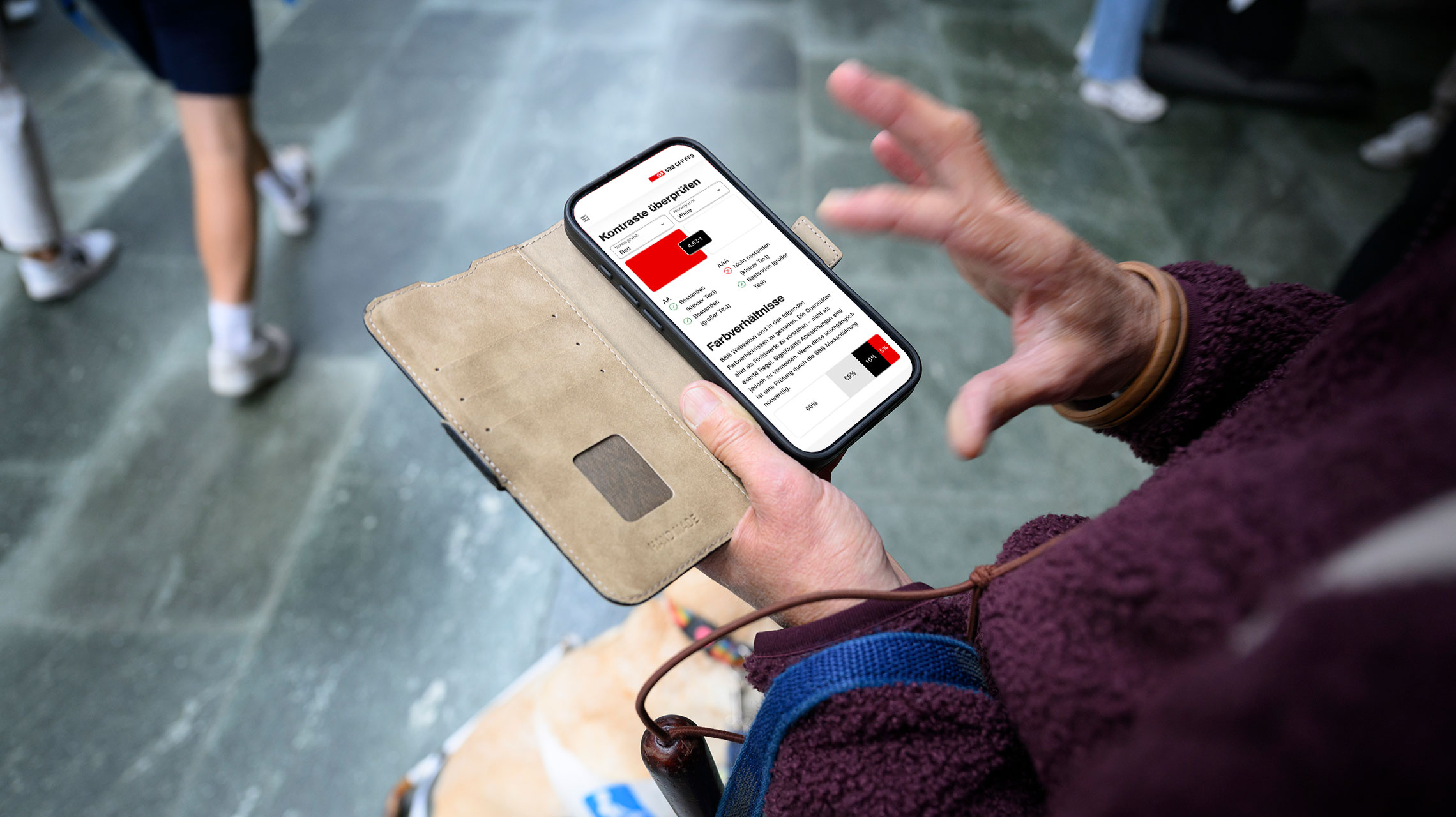
Describe your idea and see it as a clickable Lyne prototype. Skills turn GitHub Copilot into an assistant that knows Lyne, the SBB icons and Figma.
Planning a design studio? This is where the skills play to their strengths. The sketching round stays as it is: quick and rough. Afterwards, you turn the favourites into clickable prototypes that you can test with users.
- Prepare.
You need the SBB network or VPN, a computer with macOS or Windows with WSL, and
Link target opens in a new window. VS Code Link target opens in a new window. GitHub Copilot Link target opens in a new window. Copilot App Link target opens in a new window. Node.js - Install.
The guide takes you step by step from zero to your first task. Allow about 30 minutes, and you do most steps only once per computer.
- Get started.
Write «Set up the UX toolkit.» in the chat and off you go: the assistant shows you what the skills can do and asks about Figma and a folder for your prototypes.
What worked, what did not, what is missing? Your feedback helps decide what we improve next.
Questions about the skills or the installation? We are happy to help.
Not sure whether installing is worth it for you? Drop by our workshop and see the skills in action.