What does the component do?
It is part of the form-field component.
When should the component be used?
- Only within the form-field component.
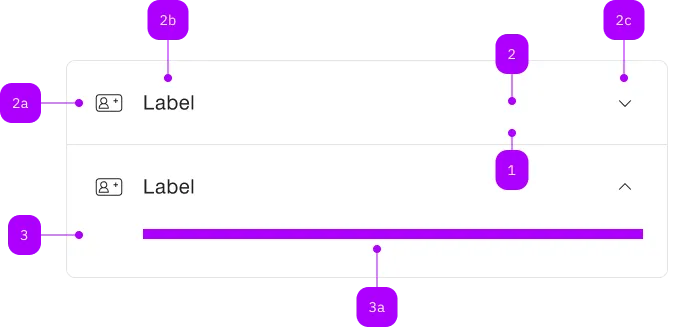
| Number | Type | Description | Optional | Info |
|---|---|---|---|---|
| 1 | Standard-HTML | input | No | |
| 1b | Standard-HTML | input | Yes | Placeholder |
| 2 | Standard-HTML | input | No | |
| 3 | Component | sbb-icon | Yes | Prefix |
| 4 | Component | sbb-icon oder sbb-form-field-clear | Yes | Suffix |
| 5 | Component | sbb-form-error | No | Datei auswählen |
The sbb-error component can be used to provide an error message in inputs components like the
sbb-checkbox-group and
sbb-radio-button-group,
or within the sbb-form-field.
Slots
It is possible to provide the error message via an unnamed slot;
the component displays an icon by default, that can be changed using the icon slot.
<sbb-error> This is a required field. </sbb-error>

<sbb-error>
  <sbb-icon name="pie-small" slot="icon"></sbb-icon>
  This is a required field.
</sbb-error>
Properties
| Name | Attribute | Privacy | Type | Default | Description |
|---|---|---|---|---|---|
negative | negative | public | boolean | false | Negative coloring variant flag. |
Slots
| Name | Description |
|---|---|
| Use this slot to display the error message. | |
icon | Use this slot to override the default error icon. |